
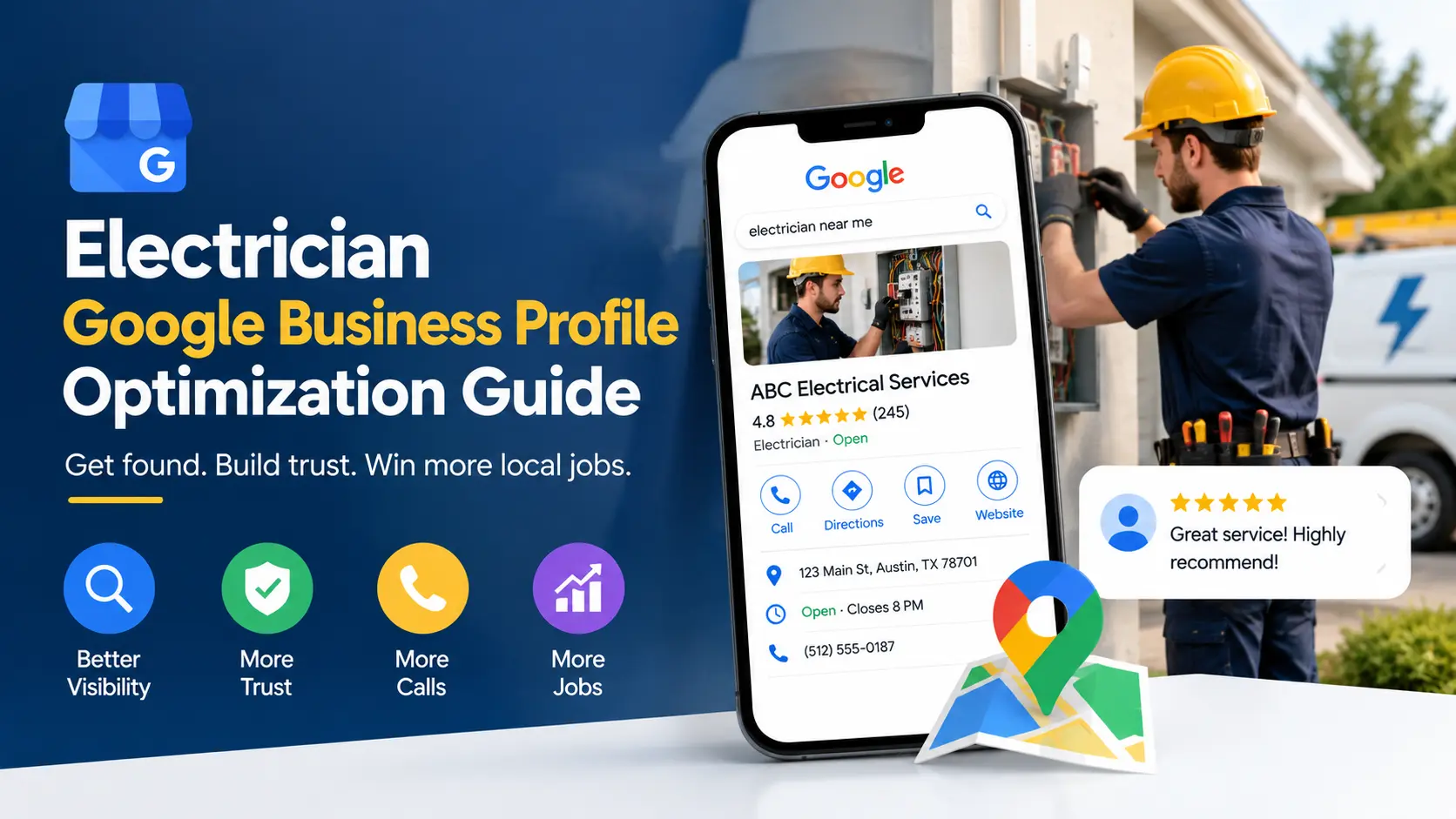
When a homeowner hears a breaker snap at 9 p.m. or notices a burning smell near an outlet, they do not browse ten websites. They pull out a phone, type “electrician near me,” and call one of the first three businesses they see. Those three businesses sit inside the Google local pack, and every one of them got there through a well-built electrician google business profile. If your listing is thin, unverified, or half-finished, you are handing emergency calls, panel upgrades, and EV charger installs to a competitor who simply did the work.
This guide walks you through the full process of building, optimizing, and maintaining an electrician google business profile that earns calls instead of just impressions. You will learn how Google decides who ranks, which fields matter most, how to handle reviews, photos, and posts, and how to avoid the mistakes that get listings suspended. Whether you run a one-van operation or a multi-crew contracting company, the steps are the same, and most of them are free.
Why an Electrician Google Business Profile Matters
Electrical work is a high-trust, high-urgency purchase. Customers are letting a stranger into their home to work on the wiring that protects their family. That combination makes the first impression enormous, and for most local searches the first impression is your Google listing, not your website.
A strong electrician google business profile does several jobs at once:
- It puts your business in the map results and the local pack, where most local clicks and calls happen.
- It shows social proof through reviews and star ratings before anyone visits your site.
- It gives customers one-tap actions: call, get directions, message, or visit the website.
- It tells Google exactly what you do, where you work, and when you are open.
- It creates a free, always-on advertising space you control.
Compare that with paid ads. Pay-per-click leads for electricians can be expensive, and the moment you stop paying, the leads stop. Your electrician google business profile keeps working around the clock, and the work you put into it compounds over time as reviews accumulate and engagement signals build.
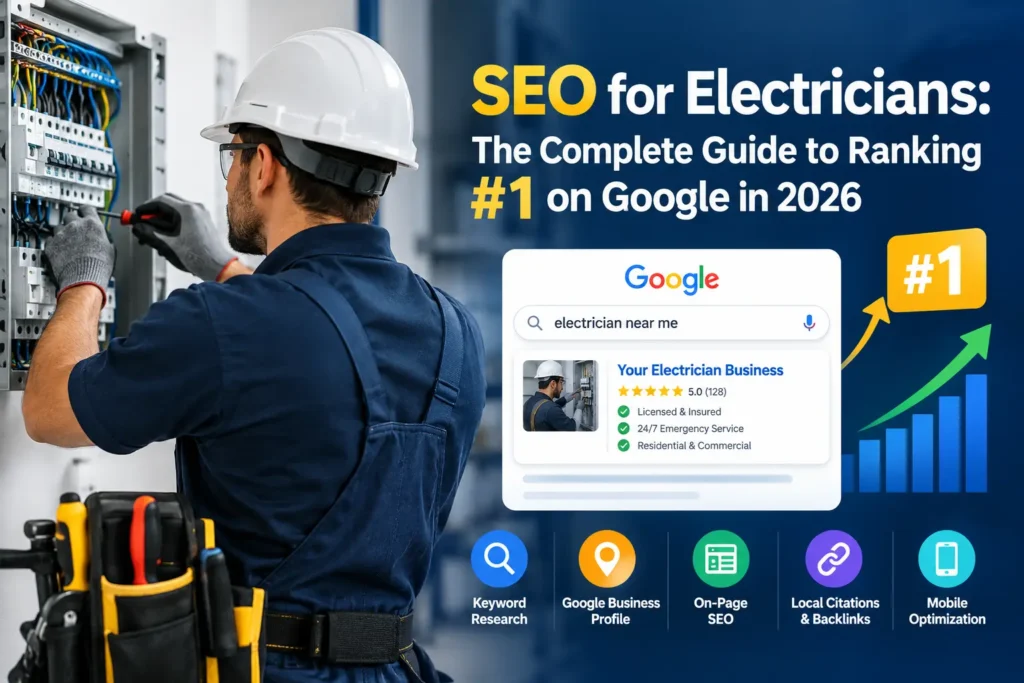
If you are still building your broader local presence, pair this guide with our breakdown of Google Maps SEO for local businesses, which explains how map rankings connect to your website and citations.
How Google Ranks an Electrician Google Business Profile
Before you touch a single setting, it helps to understand what you are optimizing for. Google has said publicly that local results are based mainly on three factors: relevance, distance, and prominence.
Relevance is how well your listing matches what the person searched for. A searcher looking for “emergency electrician” wants a business whose profile clearly signals emergency electrical service. Your categories, services, description, and reviews all feed relevance.
Distance is how far your business is from the searcher, or from the location they named in the query. You cannot cheat this one. A shop across town will usually outrank a competitor forty miles away for a nearby search. What you can do is make sure your address or service area is set up correctly so Google understands where you actually operate.
Prominence is how well known your business is, online and offline. Review count, review quality, website authority, mentions across the web, and citations all contribute. Prominence is where most of the long-term work happens, and it is why a newer electrician google business profile can outrank an older, neglected one.
The takeaway is simple. Relevance is fixed by getting your profile fields right, distance is fixed by accurate location setup, and prominence is built by reviews, citations, and a quality website. The rest of this guide covers all three. For a deeper look at the signals involved, read our breakdown of Google Business Profile ranking factors, or see how Iffaris approaches Google Business Profile ranking factors.
Step 1: Claim and Verify Your Electrician Google Business Profile
Start by searching for your business name on Google and Google Maps. Many electricians discover a listing already exists, either created by Google from public data or by a former employee, a previous owner, or an automated process. Do not create a second electrician google business profile. Duplicate profiles split your reviews and confuse both customers and Google.
If a listing exists, claim it and follow the ownership steps. If nothing exists, create a new one from the Google Business Profile dashboard. You will need a Google account that belongs to the business, not a personal one tied to a single employee who might leave.
Choosing the right business type
When you set up your electrician google business profile, Google asks whether you have a physical storefront that customers visit or whether you travel to customers. Most electricians are service-area businesses. If customers do not walk into your office, choose the option that hides your address and shows only your service area. This protects your privacy if you work from home and keeps you compliant with Google’s guidelines.
If you run a showroom or a supply counter where customers actually visit, you can show your address. Only do that if the location is staffed and open during the hours you list.
Verification
Google will ask you to verify that you actually run the business. Depending on your situation, verification may happen by postcard, phone, email, text, or a short video. A video verification typically asks you to show your vehicle with branding, your tools, your workspace, and proof that you can legitimately operate at the location.
Do not skip or rush verification. An unverified electrician google business profile will not appear in most local results, and trying to game the process with a fake address is the fastest way to earn a suspension.
Step 2: Get Your Business Name Right
Your business name field is one of the most abused parts of any electrician google business profile, and one of the most dangerous to get wrong.
Use your real-world business name, exactly as it appears on your signage, invoices, van wraps, and website. If your company is “Bright Line Electric,” the name field says “Bright Line Electric,” not “Bright Line Electric | Best Electrician in Austin | 24/7 Emergency Service.”
Google’s guidelines are clear that keyword stuffing the name field can lead to edits or suspension. Competitors report each other constantly, and a suspended electrician google business profile means lost calls until you win reinstatement, which can take weeks.
If you do have a legitimate legal name that includes a descriptor, such as “Reliable Electrical Services,” that is fine. The rule is that the name must reflect how you present yourself to the public everywhere else.
Step 3: Choose Categories for Your Electrician Google Business Profile
Categories are among the strongest ranking signals inside an electrician google business profile. They tell Google which searches your business should appear for.
Primary category
Your primary category should be the one that best describes your core business. For most residential and commercial contractors, that is “Electrician.” Do not choose a category based on what you wish you were. Choose based on what you do most often and what brings in most of your revenue.
Secondary categories
Secondary categories help you appear for related searches without diluting your main relevance signal. Browse the category list in your dashboard and choose only those that honestly apply. Depending on your services, you may find options related to electrical installation, lighting, generators, or EV charging equipment. Availability changes over time, so check the current list rather than assuming a category exists.
Avoid stacking irrelevant categories. A profile that lists plumbing, HVAC, and roofing categories alongside an electrical category sends mixed signals and often ranks worse for all of them.
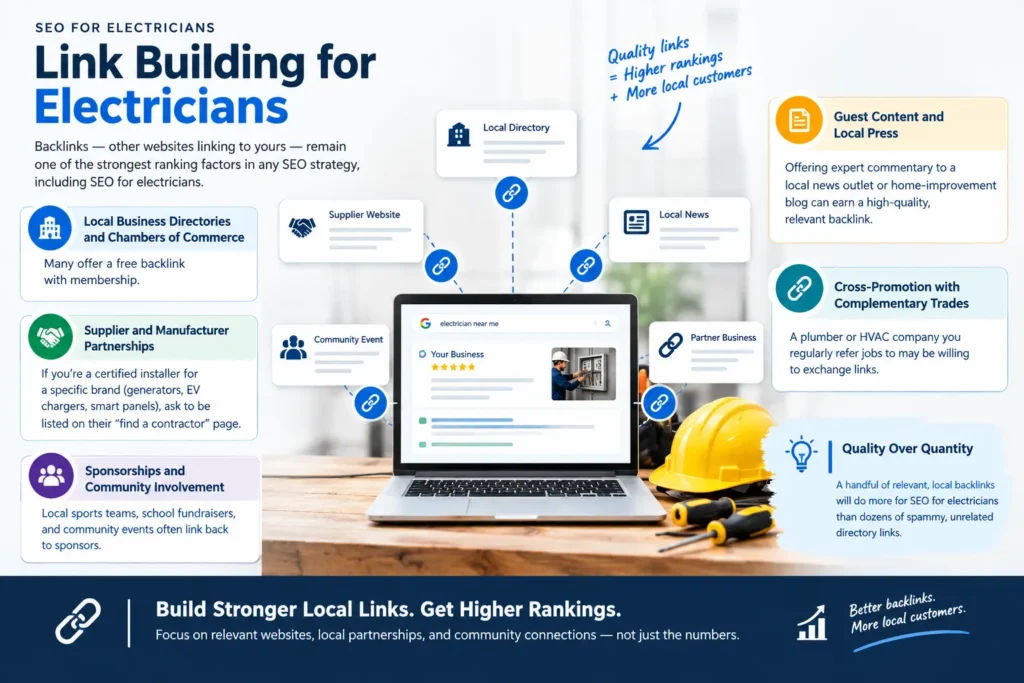
If you offer several distinct services, consider how you approach them on your site as well. Industry-specific pages help, and you can see the same principle applied in our guides to HVAC SEO and appliance repair SEO.
Step 4: Set Up Services and Service Areas on Your Electrician Google Business Profile
Listing your services
The services section lets you add individual services with descriptions. Most electricians leave it blank, which is a wasted opportunity. Add every core service you offer, and write a short, plain description for each.
Good service entries for an electrician google business profile might include:
- Panel upgrades and replacements
- Outlet, switch, and lighting installation
- EV charger installation
- Whole-home rewiring
- Ceiling fan installation
- Generator hookups and transfer switches
- Electrical safety inspections
- Emergency electrical repair
- Recessed lighting
- Surge protection installation
Write each description in natural language, one to two sentences, with real information: what the service covers, when it is needed, and what a customer can expect. Avoid copying the same text across services.
Defining your service area
Google allows you to list a set of cities, neighborhoods, or postal codes where you work. Be honest here. List the areas you can realistically reach within a reasonable response time, especially if you advertise emergency service.
A common mistake is listing an enormous service area hoping to rank everywhere. Distance still matters, and Google is unlikely to rank a business highly in places far from its actual base. A tighter, accurate service area is better than an inflated one, and it keeps your leads relevant.
If you serve multiple cities, build matching location pages on your website, and link them from your profile’s website field where appropriate. This connects your electrician google business profile to real on-site content and strengthens relevance.
Step 5: Write a Description That Converts
The business description field allows up to 750 characters, and only the first portion typically shows before a user expands it. Treat it like a short pitch, not a keyword dump.
A strong description for an electrician google business profile answers four questions quickly:
- Who are you? Licensed and insured, family-owned, years in business.
- What do you do? Residential, commercial, emergency, remodels.
- Where do you work? Name the main areas naturally.
- Why should someone call you? Fast response, upfront pricing, warranty.
Here is a sample structure you can adapt:
Licensed and insured electrician serving homeowners and small businesses across [City] and nearby communities. We handle panel upgrades, lighting, EV charger installation, rewiring, and emergency repairs, with upfront pricing and workmanship backed by a written warranty. Call us for a fast, honest quote.
Do not include phone numbers, links, promotional language such as “cheapest in town,” or anything that violates Google’s content policies. Keep it clear, factual, and useful.
Step 6: Fill In Every Detail of Your Electrician Google Business Profile
Completeness is a quiet ranking and conversion factor. Google rewards profiles that give customers everything they need, and customers reward them by calling.
Phone number and website
Use a local phone number, not a toll-free line, as your primary number. Local numbers reinforce your geographic relevance. If you use call tracking, set the tracking number as primary and your real number as an additional number so your citations stay consistent.
For the website link, point to your homepage or to the most relevant landing page. Some electricians link a dedicated location page, which can improve conversion. Make sure the page loads quickly on mobile and shows your phone number prominently.
Hours
Set accurate hours, and update them for holidays. If you truly offer 24/7 emergency service, set your hours to reflect that. Do not mark yourself as open around the clock unless you actually answer calls at night, because a missed emergency call hurts your reviews and your reputation.
Attributes
Attributes are quick labels such as “Online estimates,” “Onsite services,” or accessibility and safety features that apply to your business. Select every attribute that genuinely applies. These small details help customers compare you against competitors at a glance.
Opening date
Add your opening date if it is available. Long-standing businesses can use age as a trust signal, and Google uses it as part of your business information.
Step 7: Upload Photos and Video to Your Electrician Google Business Profile
Photos are one of the easiest ways to improve an electrician google business profile, and one of the most neglected. Customers scanning your listing want to know one thing: is this a real, trustworthy company?
Photos to upload
- Your logo and a clean cover image
- Branded vehicles and uniformed technicians
- Completed jobs: panels, lighting installs, EV chargers, rewires
- Your team, especially the people who will show up at the door
- Tools and equipment that show professionalism
- Before-and-after shots where a customer has given permission
Photo Quality for Your Electrician Google Business Profile
Use clear, well-lit images taken on a decent phone. Avoid heavily edited stock photos. Real photos from real jobs perform better because they build trust and match what customers see when you arrive.
Upload new photos regularly, ideally every week or two. A steady flow tells Google and customers that the business is active. You can also add short videos, such as a quick walkthrough of a finished panel upgrade or a technician explaining a safety issue.
Safety and privacy
Never publish photos that reveal a customer’s address, house number, or personal belongings without permission. Blur or crop anything sensitive, and keep your photos professional and relevant.
Step 8: Build a Steady Review Engine
Reviews are the most powerful trust and ranking factor for an electrician google business profile. Review quantity, quality, recency, and the words customers use all influence how you rank and how many people call you.
Ask for Electrician Google Business Profile Reviews at the Right Moment
The best time to ask for a review is right after a job is finished and the customer is happy. Technicians can ask in person, then follow up with a text message containing a direct review link.
Make it easy. Grab your review link from the dashboard, turn it into a short link or QR code, and add it to invoices, follow-up emails, and business cards. The fewer taps between “happy customer” and “review posted,” the more reviews you will get. For more scripts and timing ideas, see how to get more Google reviews and the Iffaris review guide.
Follow the rules
Google prohibits fake reviews, incentivized reviews, and review gating, which means only asking happy customers while discouraging unhappy ones. Do not offer discounts or gifts in exchange for reviews, and do not write reviews for your own business or your competitors. Violations can lead to removed reviews or a suspended electrician google business profile.
Encourage detail
Customers do not need to write essays, but detailed reviews help. You can gently suggest they mention the type of work, the city, and what stood out. Something like “Could you mention what we helped with and how the visit went?” is fine and does not script the review.
Respond to every review
Reply to positive and negative reviews. For positive reviews, thank the customer by name and mention the specific job. For negative reviews, respond calmly, acknowledge the problem, and offer to make it right offline. Future customers read your response as much as the complaint itself.
A calm, professional reply to a bad review often does more for your reputation than a wall of five-star ratings. It shows you take responsibility, and it shows you are the kind of electrician people can trust in their home.
Handling unfair reviews
If a review violates Google’s policies, such as spam, fake content, or off-topic rants, you can flag it for removal through the dashboard. Do not argue in public. Flag it, respond politely if appropriate, and move on.
Step 9: Use Posts, Products, and Q&A on Your Electrician Google Business Profile
Beyond the basics, your electrician google business profile includes tools that many competitors ignore. Using them consistently sets you apart.
Google Posts
Posts let you publish short updates, offers, and announcements that appear on your profile. Use them to share seasonal tips, promote a service, announce availability, or highlight a recent job.
Ideas for electrician posts:
- A winter checklist for tripped breakers and overloaded circuits
- A spotlight on EV charger installation
- A safety reminder about aging panels
- A limited-time inspection offer
- A recent project photo with a two-sentence summary
Keep posts short and useful, add a clear call to action, and post regularly. Even one or two posts per week can keep your profile feeling active.
Products and services
If your dashboard offers a products or services section, use it to present your main offerings with photos and starting prices where you can. Transparent pricing pulls in serious buyers and filters out tire-kickers.
Questions and answers
The Q&A section lets anyone ask questions about your business. Seed it yourself with the most common questions you hear, such as “Do you offer emergency service?” and “Are you licensed and insured?” Answer them clearly and honestly. Monitor the section, because anyone can add answers, and incorrect information can appear.
Step 10: Turn On Messaging, Calls, and Booking Tools in Your Electrician Google Business Profile
Make it effortless for customers to contact you. Depending on availability in your region, your electrician google business profile may support call buttons, messaging, quote requests, or booking links.
If you enable messaging, commit to answering quickly. A slow response is worse than no messaging feature at all. Set expectations in your auto-reply, and route messages to someone who will actually check them.
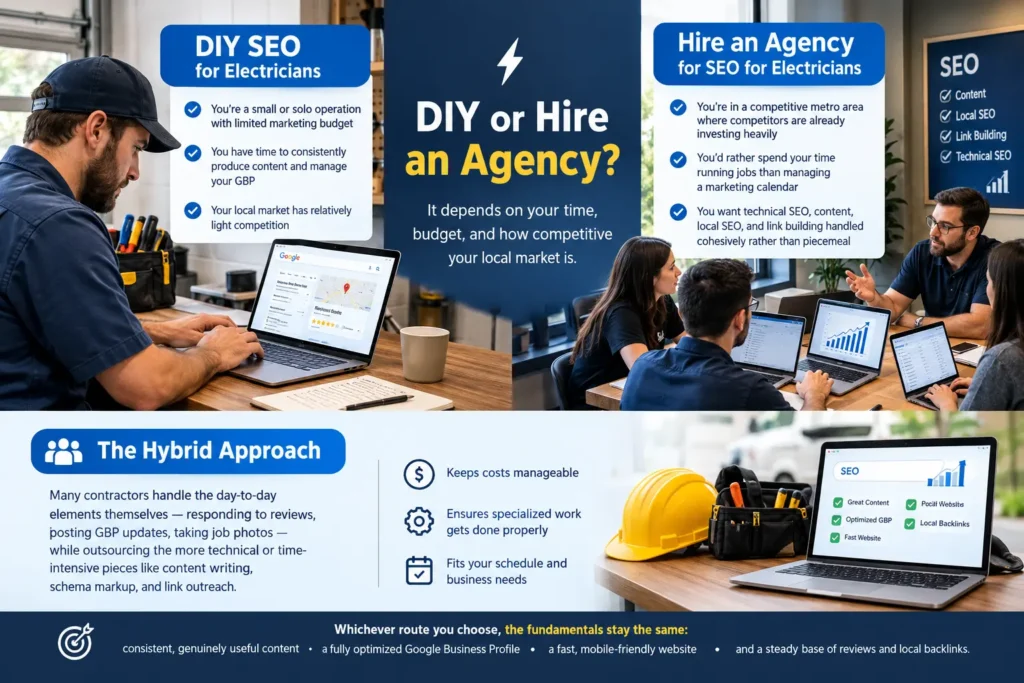
If you take calls after hours, use an answering service or a reliable call-forwarding setup. Emergency electrical customers are often ready to hire the first person who picks up.
NAP Consistency and Local Citations
NAP stands for name, address, and phone number. Your NAP should match everywhere it appears: your website, your electrician google business profile, directories, social profiles, and industry listings. Even small differences, such as “Street” versus “St.” or an old phone number, can create confusion. Our guide to NAP consistency shows how to audit and fix mismatches.
Citations are mentions of your NAP on other websites. Strong, consistent citations help build prominence and confirm your business details. Start with major data aggregators and well-known directories, then add trade and local sources such as your chamber of commerce and industry associations.
For a deeper walkthrough of how to build and clean up listings, see our guide to local citations. If you want a broader perspective on off-site visibility, the team at Iffaris explains the process in their local citations guide.
Auditing what already exists
Search your business name and phone number, including old numbers and prior addresses. Correct outdated listings and remove duplicates. This cleanup often produces gains faster than any new tactic because it removes conflicting information.
Connect Your Website to Your Electrician Google Business Profile
An electrician google business profile alone will not carry your rankings. Your website provides the relevance and authority that supports your electrician google business profile, and the two should reinforce each other.
Build service pages for each major offering, such as panel upgrades, EV charger installation, and emergency repair. Build location pages for each city you serve, with real information about local codes, common issues, and completed projects. Include your NAP, embed a map, and add local business schema markup.
Make sure your site loads quickly, works on phones, and makes calling easy. An electrician google business profile that drives clicks to a slow, confusing site wastes the traffic you worked to earn. If you are not sure where your site stands, start with a professional SEO audit to identify technical and content gaps. For an industry-specific roadmap, read our guide to SEO for electricians.
For additional background on how on-page optimization supports local rankings, this overview from Iffaris on on-page SEO is a useful companion read.
Common Mistakes That Hurt an Electrician Google Business Profile
Even experienced contractors make avoidable errors. Watch for these:
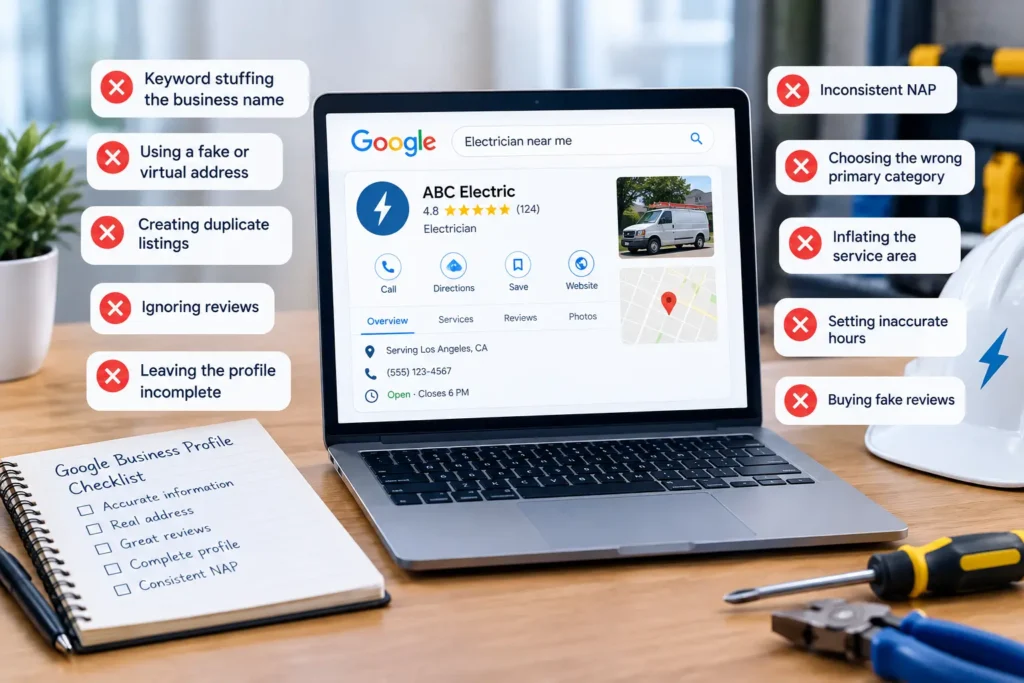
- Keyword stuffing the business name. It is against Google’s guidelines and invites suspension.
- Using a fake or virtual address. Google can detect it, and a suspended profile is hard to restore.
- Creating duplicate listings. They split reviews and confuse customers.
- Ignoring reviews. Unanswered feedback signals that you do not care.
- Leaving the profile incomplete. Empty fields mean lost relevance and lost trust.
- Inconsistent NAP. Conflicting details across the web weaken your prominence.
- Choosing the wrong primary category. It undermines relevance for your most valuable searches.
- Inflating the service area. It rarely helps and often attracts irrelevant leads.
- Setting inaccurate hours. Missed calls become bad reviews.
- Buying fake reviews. Google can remove them and penalize the listing.
Fixing even a few of these can noticeably improve how your electrician google business profile performs.
What To Do If Your Electrician Google Business Profile Is Suspended
A suspension can feel catastrophic, especially if your phone calls drop overnight. Stay calm and act methodically.
First, read the notice in your dashboard to understand the stated reason. Common causes include guideline violations, address problems, or suspicious edits. Then correct the issue, gather proof that you run a legitimate business, and submit a reinstatement request. Our guide to a suspended Google Business Profile walks through the recovery process in more detail.
Useful evidence includes business licenses, insurance certificates, photos of your branded vehicles, invoices, utility bills, and a clear view of your website showing consistent details. Submit accurate information, avoid making repeated edits while the request is pending, and be patient.
Prevention is far better than recovery. Follow the guidelines, keep your information accurate, and avoid shortcuts that could put your electrician google business profile at risk.
Measure Your Electrician Google Business Profile Performance
Optimizing your electrician google business profile is not a one-time task. Check your performance insights regularly to see how customers find and interact with your listing.
Track metrics such as:
- Searches that triggered your listing
- Calls, direction requests, and website clicks
- Messages and booking actions
- Review count, average rating, and recency
- Photo views compared with competitors, where available
Combine these numbers with call tracking and your job management software to see which actions lead to booked work. If calls rise but jobs do not, review your phone handling, pricing, and follow-up. If views are high but actions are low, improve your photos, description, and reviews.
Watch your competitors, too. Look at the top three businesses for your main searches. Note their categories, review counts, photo volume, and post frequency. Your goal is not to copy them, but to find gaps you can beat.
A 30-Day Electrician Google Business Profile Action Plan
If you want a clear starting point, use this schedule, and pair it with our Google Business Profile checklist.
Week 1: Foundations
- Claim or create your profile and complete verification
- Confirm your name, address or service area, phone, and hours
- Choose your primary and secondary categories
- Audit for duplicates and inconsistent listings
Week 2: Content
- Add every service with clear descriptions
- Write your business description
- Upload at least twenty real photos
- Add attributes and your opening date
Week 3: Trust
- Create your review link and QR code
- Train your team to ask for reviews after every job
- Reply to all existing reviews
- Seed your Q&A section with common questions
Week 4: Momentum
- Publish your first Google Posts
- Fix citations and NAP mismatches
- Align website service and location pages with your profile
- Review your insights and set goals for the next quarter
Follow this plan, and your electrician google business profile will be more complete than most competitors within a month.
Electrician Google Business Profile FAQs
How long does it take for an electrician google business profile to rank?
Results vary. A newly verified and fully optimized profile can start appearing within days or weeks, but stronger rankings typically depend on reviews, citations, and website quality that build over months. Consistent effort matters more than a single burst of activity.
How many reviews does an electrician need?
There is no magic number. Look at the top-ranking competitors for your main searches and aim to match or exceed their review count, quality, and recency. Steady, genuine reviews are more valuable than a sudden spike.
Can I hide my home address on my electrician google business profile?
Yes. If you serve customers at their locations, you can set up a service-area business and hide your address. Only display an address if customers can visit that location during your listed hours.
Should I add keywords to my business name?
No. Your business name should match your real-world branding. Adding keywords risks edits or suspension. Use categories, services, and your description to signal relevance instead.
How often should I post or update my profile?
Aim to post at least weekly, add photos every couple of weeks, and review your information monthly. Update hours immediately for holidays and any changes in availability.
Do I need a website if I have a strong profile?
Yes. Your website supports relevance, builds authority, and gives customers deeper information. The best results come from a profile and website that work together.
Final Thoughts
A well-built electrician google business profile is one of the highest-return marketing assets an electrical contractor can own. It costs nothing to set up, it works every hour of the day, and it puts your business in front of customers at the exact moment they need help. The steps in this guide are not complicated, but they do require consistency: an accurate setup, honest categories, complete details, real photos, a steady flow of reviews, and a website that backs everything up.
Start with the foundations, follow the 30-day plan, and keep improving month after month. The electricians who win the local pack are rarely the ones with the biggest budgets. They are the ones who treat their electrician google business profile like a living storefront and keep it polished. Put in the work now, and the phone will keep ringing long after your competitors give up.
Want to go further? Read our full Google Business Profile optimization resource, and compare notes with Iffaris on Google Business Profile optimization.
